The best presentation clicker
is already in your pocket.
Clikr pairs your phone with a tiny browser extension over a private connection. Point to move a laser dot, swipe to change slides, and unlock spotlight, drawing, and speaker notes with Pro. No clicker to buy, no app to install.


Free to start. Installs in your desktop browser, open this on your computer to add it.
- No app on your phone, just open a link from a QR code
- Google Slides, PowerPoint, Canva, Keynote, Reveal.js and more
- Private by design: encrypted end to end, so nobody in between can read it
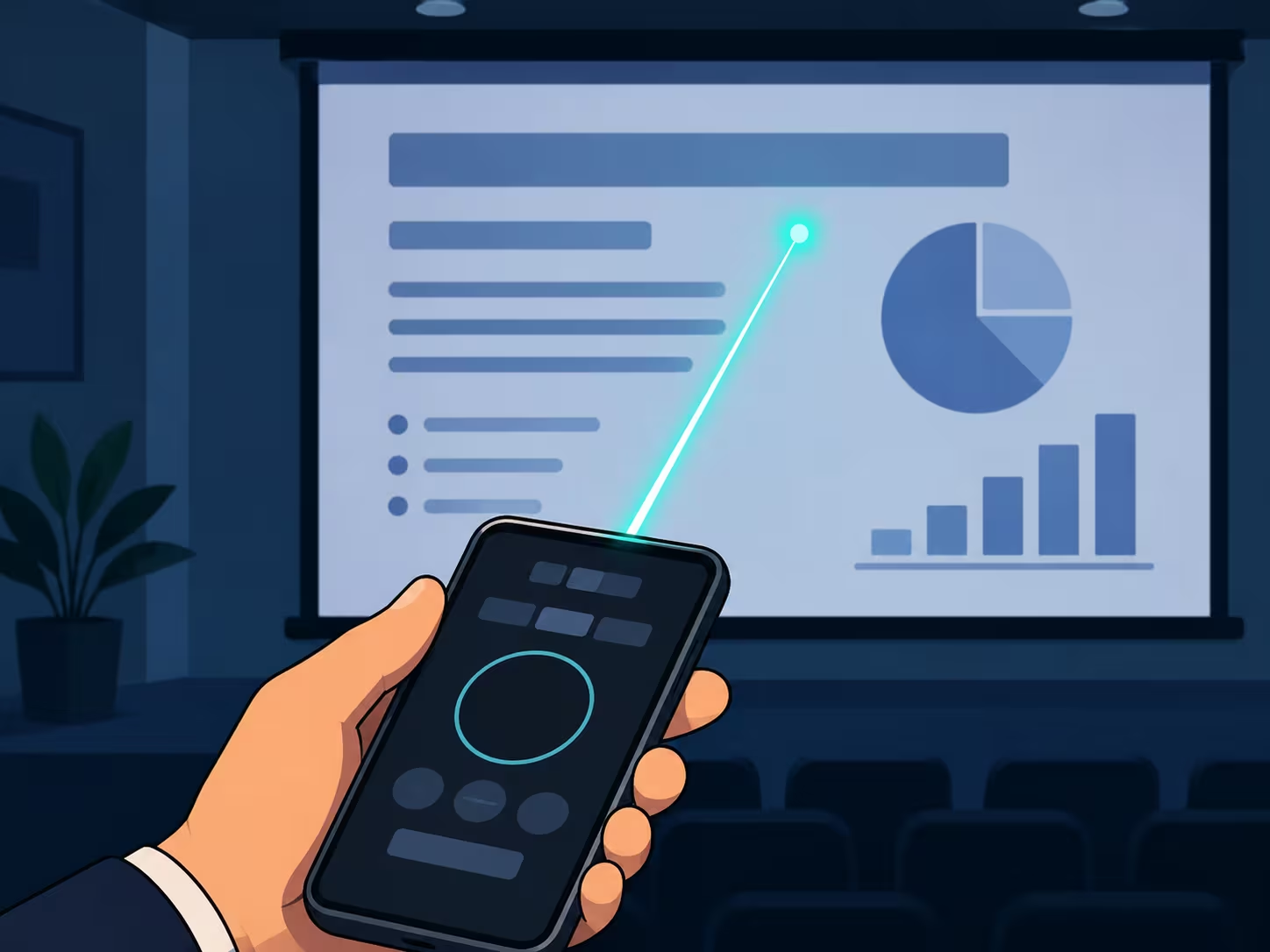
From zero to pointing in under a minute
No pairing cables, no Bluetooth menus, no extra hardware. If you can scan a QR code, you are ready.
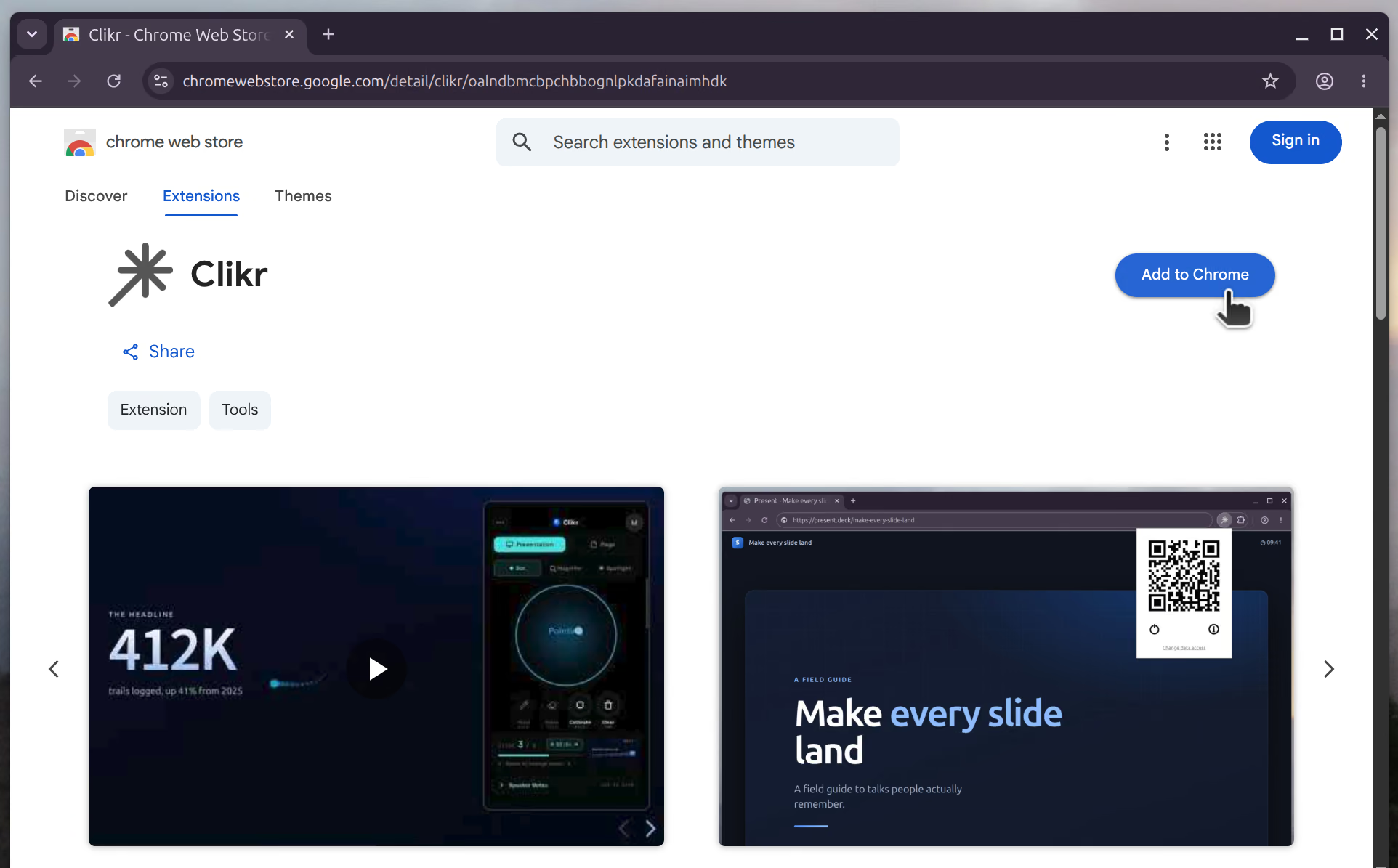
Install the extension
Add the Clikr extension to Chrome or Firefox on your computer. That is the only install, and it takes just a couple of clicks.
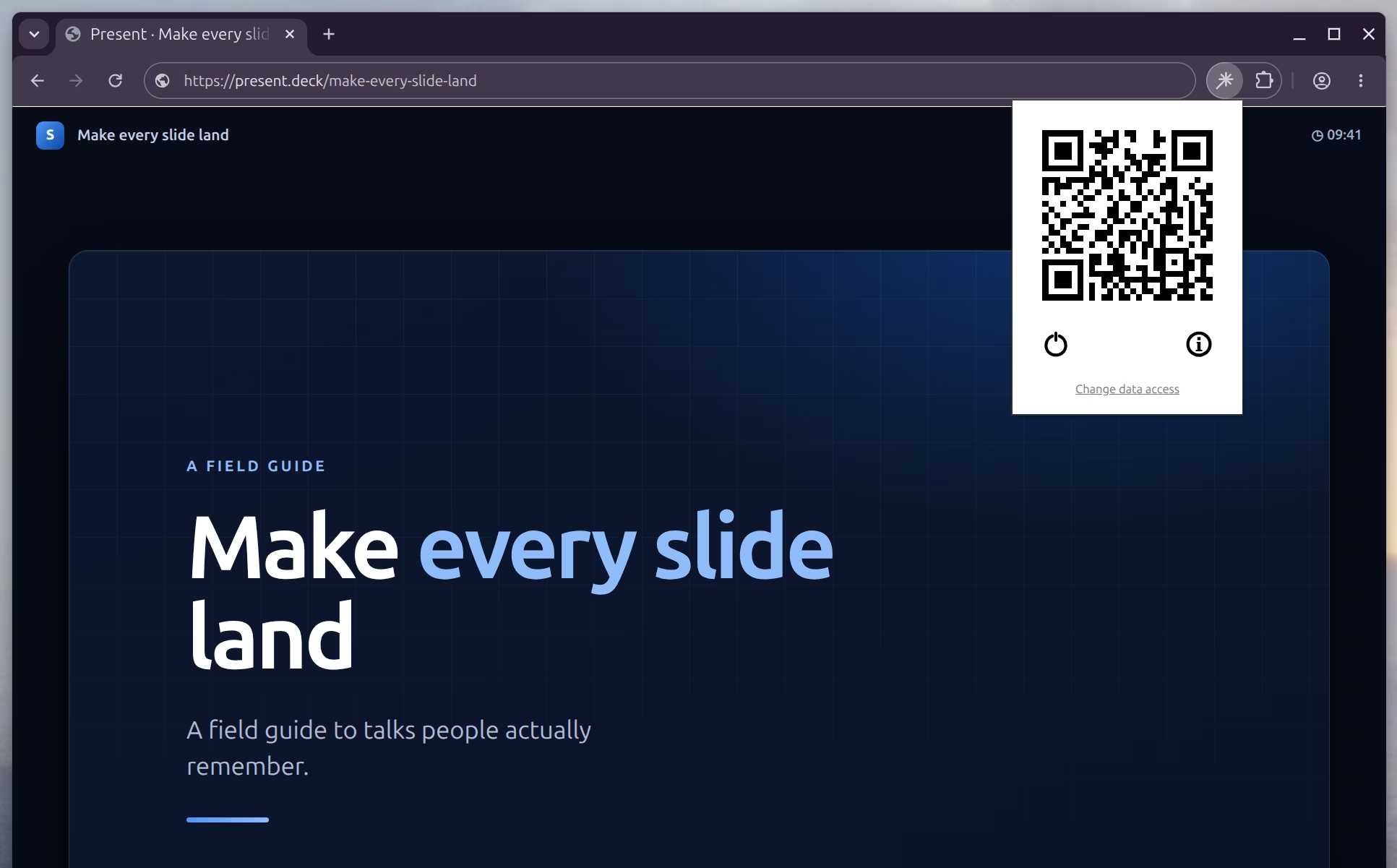
Scan the QR code
Scan the on-screen QR code with your phone. No app to download: it just opens a link and pairs in seconds.
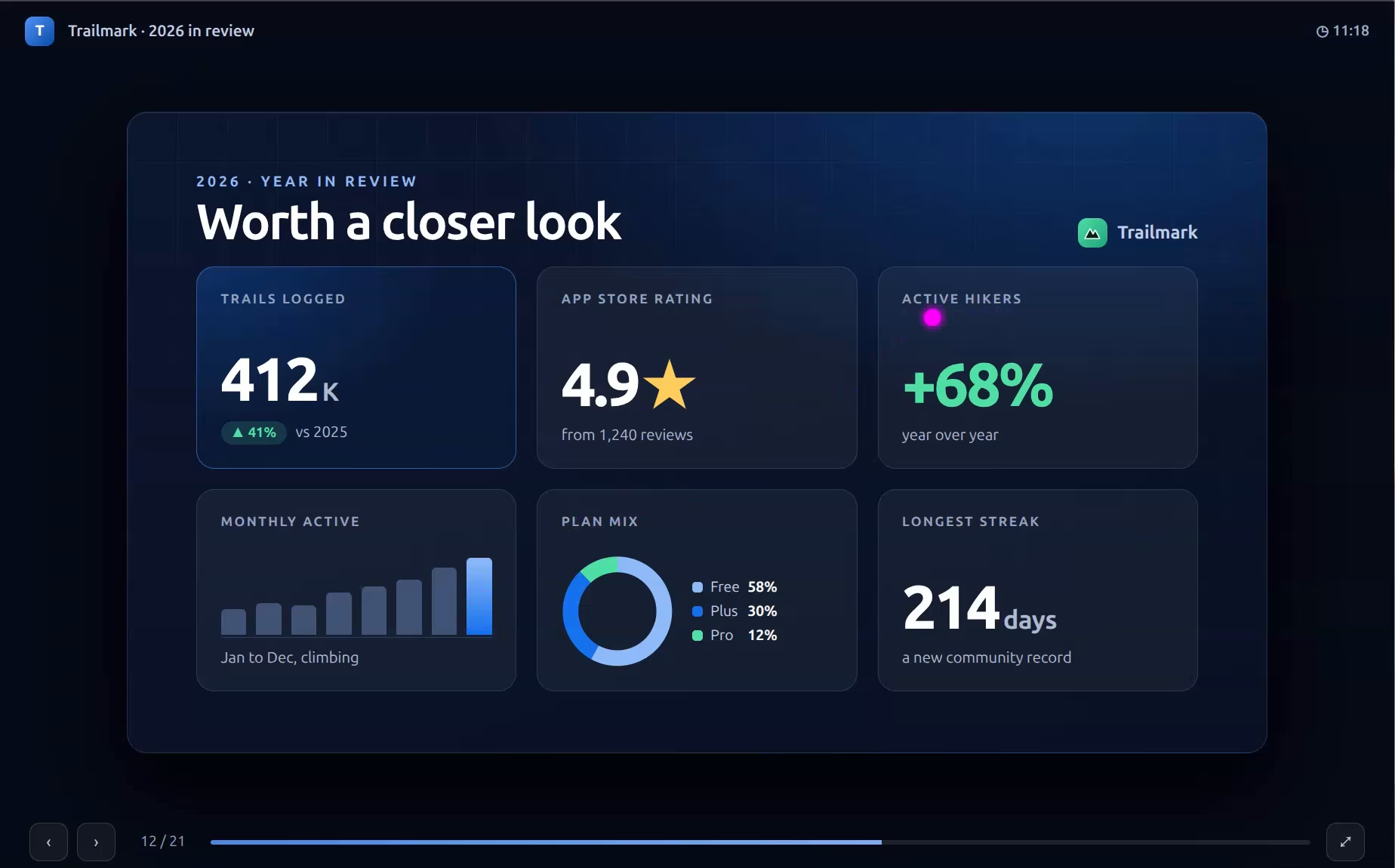
Hold to point, swipe to switch
Hold the button and point your phone to move a laser dot on the slide. Swipe to change slides from anywhere in the room.
A real presenter toolkit, run from your phone
The free laser pointer is only the start. Pro turns your phone into a control room for the whole talk, all from the same private connection.
Guide every eye, one point at a time
Make the audience look exactly where you want, then zoom in without ever leaving fullscreen.
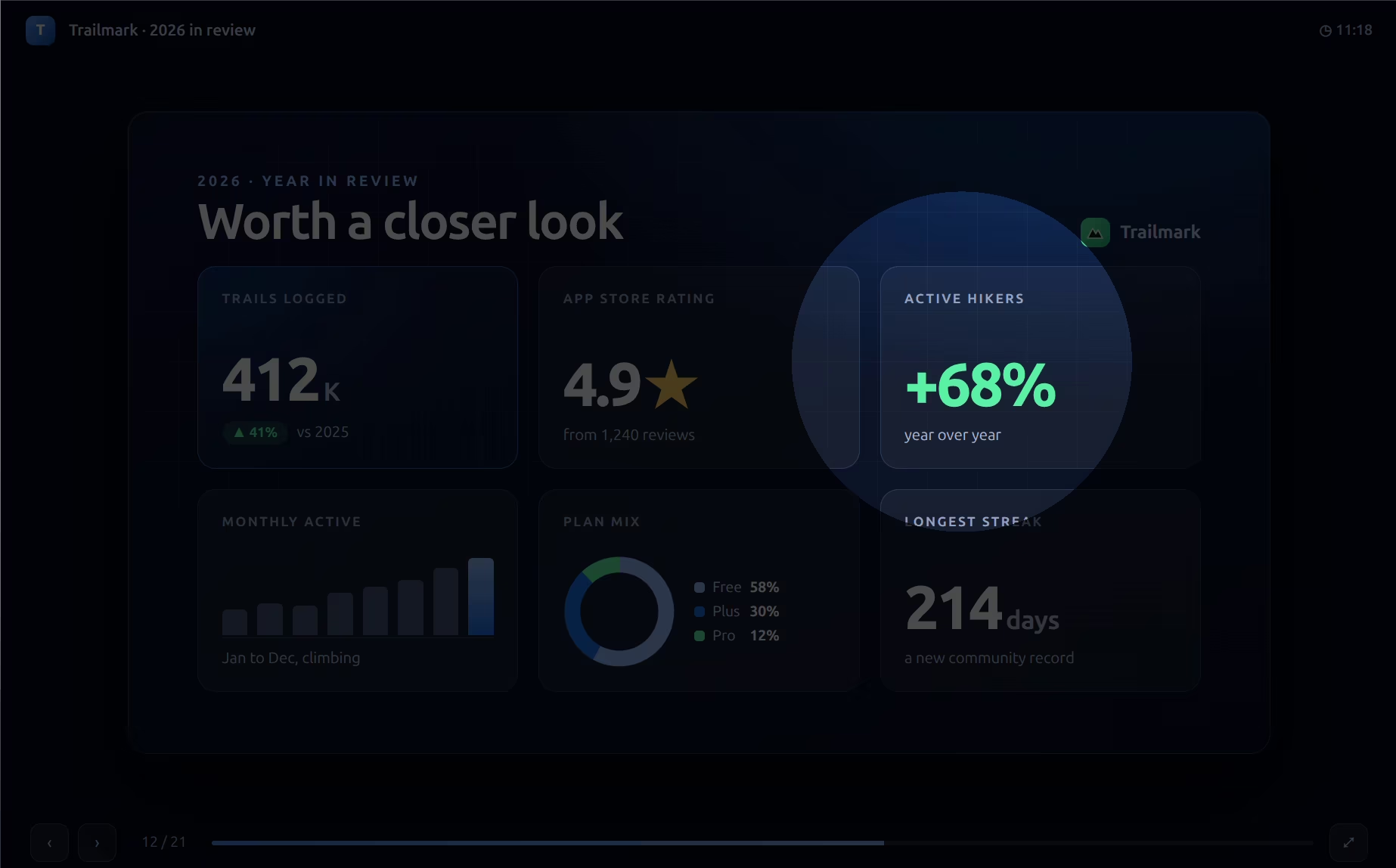
Dim everything except the area under your pointer to lock the room's focus on one idea.
Zoom into any part of a slide live, so a tiny chart or line of code reads from the back row.
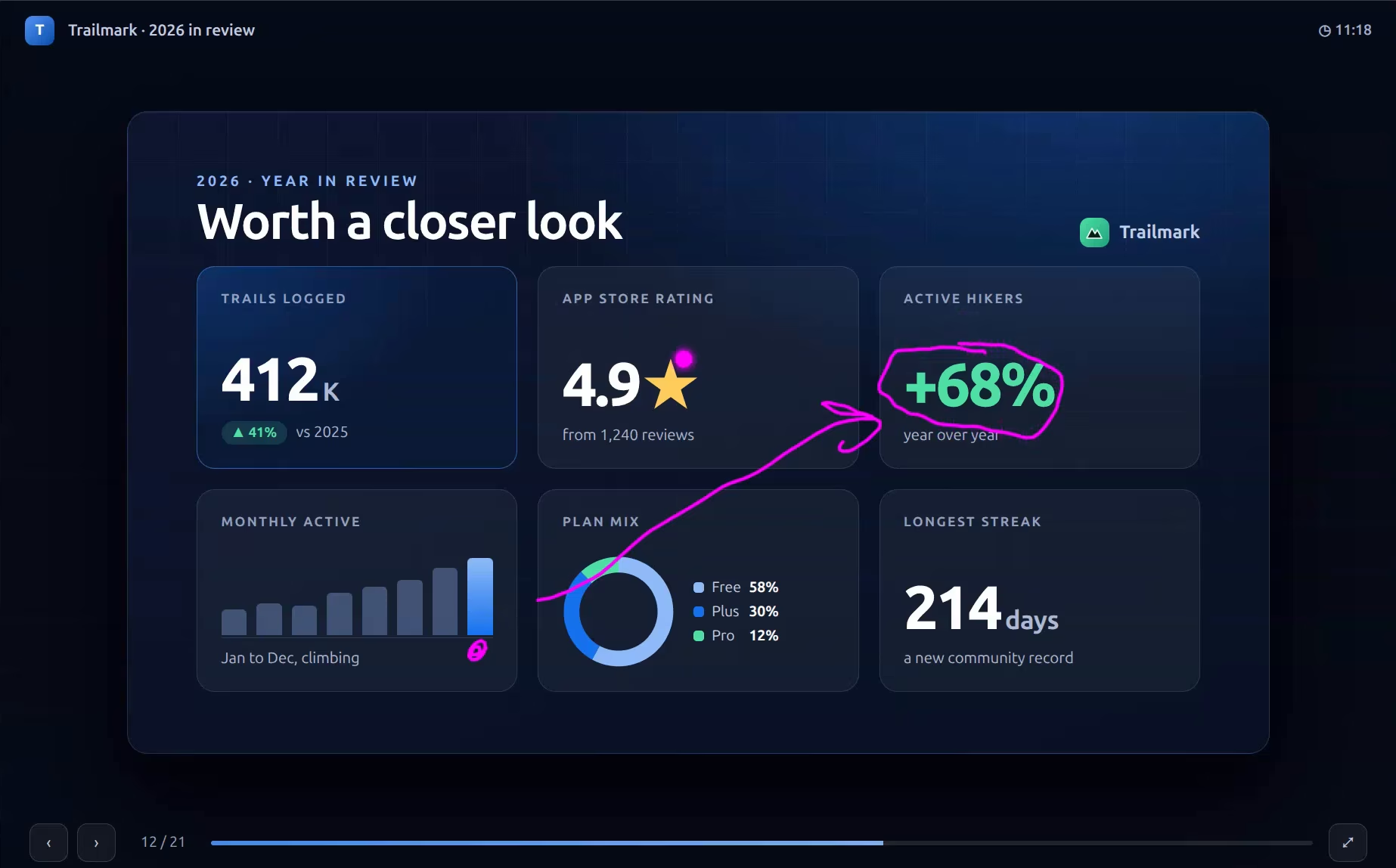
Annotate live, right over your slides
Circle the number that matters, underline a phrase, sketch the flow. Draw with your phone and it lands on the big screen instantly.
Switch tools from the phone, then hold the clear button to wipe the slide clean when you move on.
Pick a dot and ink color that pops against any slide, light or dark.
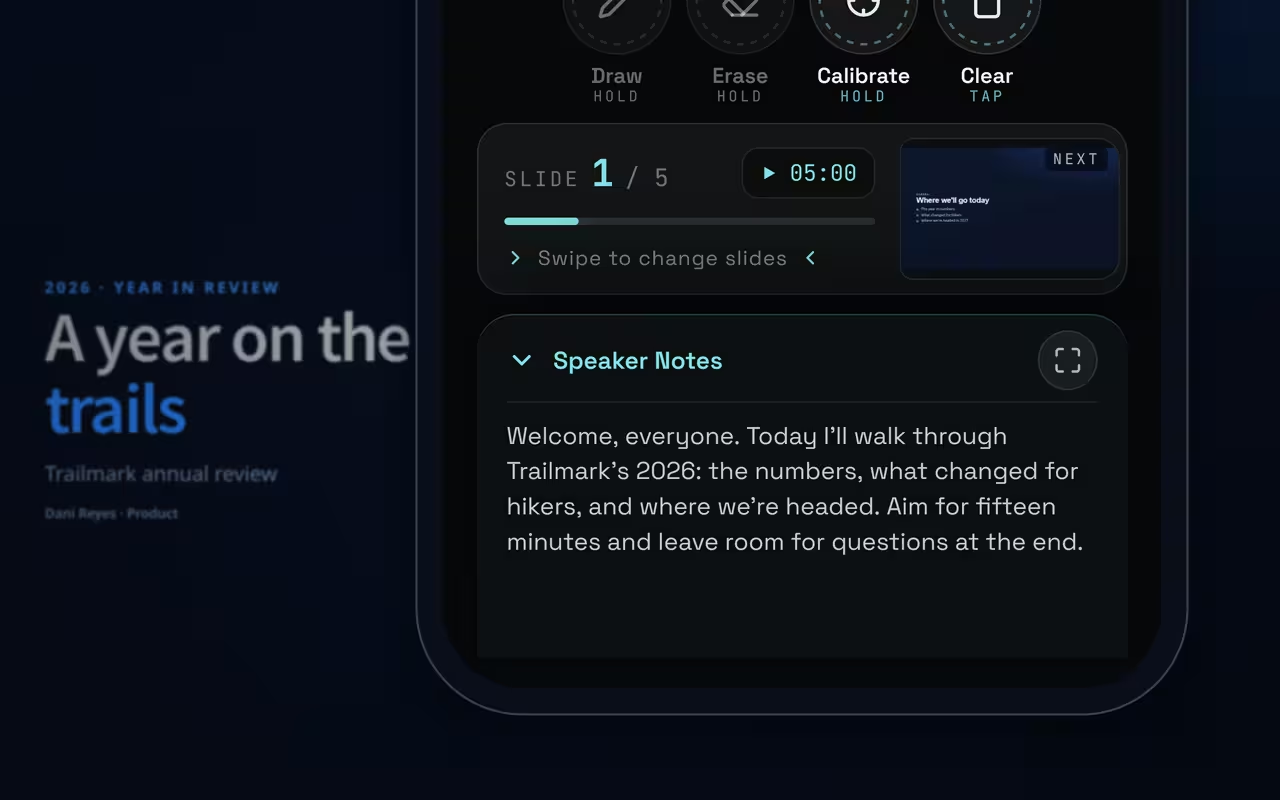
Your notes on the phone, only slides on the screen
Read what comes next in your hand while the audience sees a clean deck. Works with Google Slides, PowerPoint for the web, and Reveal.js decks like Slides.com.
Your script stays private on your phone so you never turn your back to read the screen.
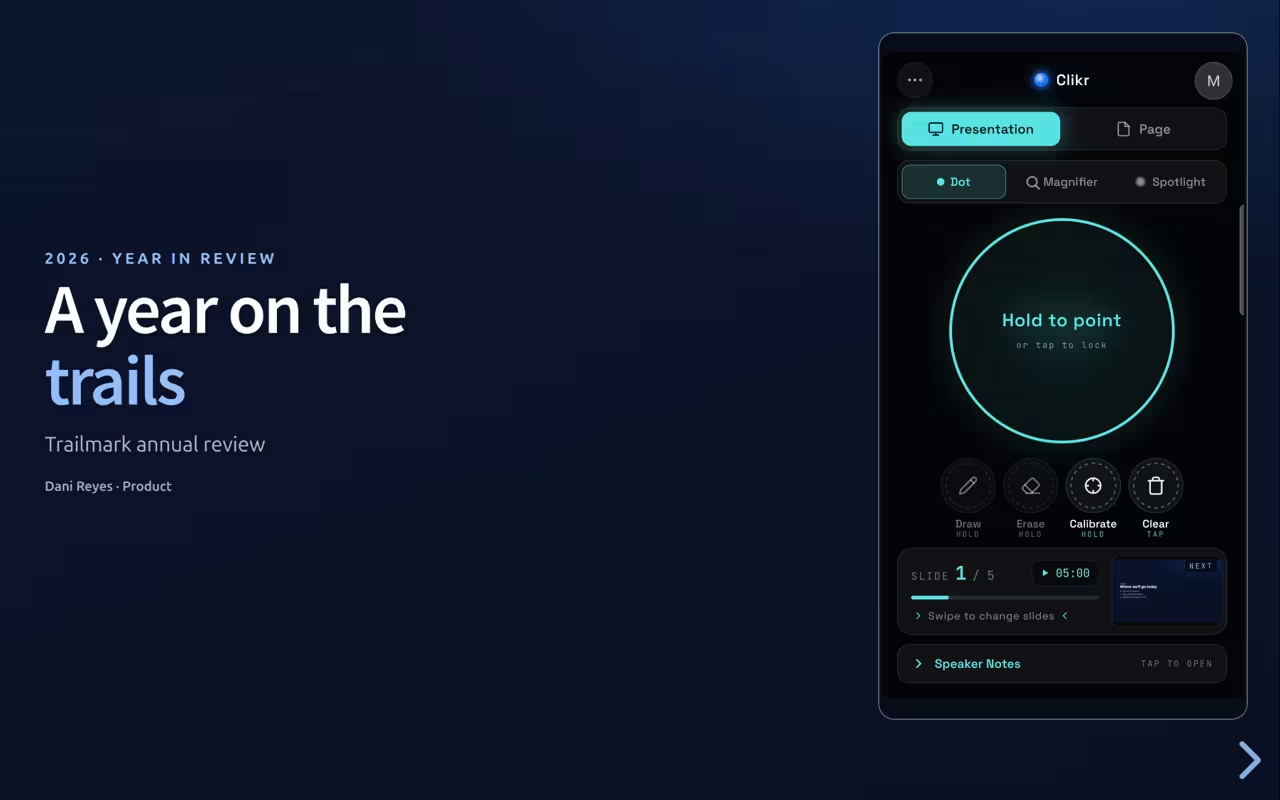
See the next slide before you click to it, so transitions never catch you off guard.
Stay on pace and in control, hands free
Keep time, advance from anywhere, and add motion that guides the eye, all without touching the laptop.
Pace the talk from your phone instead of stealing glances at a clock on the wall.
Tap anywhere on the slide from your phone to advance, follow links, or trigger animations.
Leave a fading trail behind the dot to emphasize motion and direction.
Will it work with my slides? If it’s a web-based deck, yes.
 Google Slides
 PowerPoint
 Canva
Canva Keynote
 Mentimeter
 Slides.com
 Reveal.js
Wondering how a phone stacks up against a hardware remote? See our presentation clicker comparison.
All product names and logos are trademarks of their respective owners.
Nobody can read your slides but you
Clikr links your phone and computer over an encrypted peer-to-peer connection (WebRTC), direct between the two devices whenever your networks allow it. Where they do not, the connection is relayed, and the relay passes the encrypted traffic on without being able to read it. Slide content, speaker notes, and previews are never sent to or stored on our servers. A server only introduces the two devices once, during pairing, then steps out of the way.
Encrypted end to end
Direct between your two devices wherever your networks allow it, and encrypted the whole way, so nobody in the middle can read your talk.
Nothing stored
No slides, notes, or previews are saved on our servers, because they never reach them.
Server's only job: introduce the two devices during pairing. It never streams or stores your slides.
Pay once. Yours to keep.
No subscription, no renewals, no surprise charges. Start free with the laser pointer, upgrade once when you want everything.
Free
No login neededEverything you need to point and present.
$0
All the basics, no catch.
- Laser pointer, hold to point
- Swipe to change slides
- Scroll the page from your phone
- Reload the page remotely
- Play, pause and skip video on the page
- Works in any browser-based deck
- Private peer-to-peer connection
Pro
One-time paymentThe complete presenter toolkit.
14.90 EUR
One-time payment.
- Everything in Free, plus:
- Connect Without Scanning
- Presentation Timer
- Spotlight Mode
- Page Click
- Speaker Notes
- Slide Preview
- Magnifier
- Draw Mode
- Custom Pointer Colors
- Pointer Trail
Payments are securely handled by Paddle, our Merchant of Record. No subscription, no recurring charges.
Everything a presenter asks before installing
Still unsure? Email hello@clikr.app and we will answer.
How does it work?
Install the Clikr extension in Chrome or Firefox on the desktop where your slides are running. Scan the on-screen QR code with your phone’s camera, which opens the Clikr web app in your mobile browser, and the two devices pair over WebRTC as a direct peer-to-peer connection. Your phone becomes a wireless pointer, clicker, and drawing tool that marks up the slides in your desktop browser. No cloud service handles the stream, and no account is required to use the free tier.
Do I need to install an app on my phone?
No. The phone side is a web app, so you just open the link in your mobile browser. The browser extension only installs on the desktop side, where your slides live.
Which browsers are supported?
The desktop extension runs on Chrome and Firefox. The phone side works in any modern mobile browser.
Does it work with a PDF open in the browser?
Not reliably. The browser’s built-in PDF viewer is not a regular web page, so Clikr cannot control it properly. To present, open your deck in a web-based tool instead, such as Google Slides, PowerPoint, Canva, Keynote, or Slides.com.
Is this better than a hardware clicker?
It depends on where your slides live. If your deck runs in a browser, your phone is the remote you already carry: nothing extra to buy or charge, nothing left in a drawer at the office, and a screen you can actually see instead of a button you press blind. A dedicated remote is still the better call when your slides run in a native desktop app with no browser version, when you cannot install a browser extension on the presenting computer, or when you want one physical button and no pairing at all. We put both side by side, along with phone apps and single-deck extensions, in our presentation clicker comparison.
Do I need to sign in?
Not for the free features. Pair your phone and present without an account. Signing in is only required to start your free Pro trial or buy Pro, so your Pro access follows you across devices.
Is my slide content sent to a server?
Not in any form anyone else can read. Your slides, notes, and previews travel over an encrypted peer-to-peer WebRTC connection between your phone and desktop, and they never reach our servers. That connection is direct whenever your networks allow it; where they do not, it is relayed through our relay provider, which passes the encrypted traffic on without being able to read it. The only thing that briefly touches our signaling server is the WebRTC handshake: short SDP and ICE candidate strings exchanged once during pairing so the two devices can find each other. See the Privacy Policy for the full breakdown.
Do you store my speaker notes or slide previews?
No. When speaker notes and slide previews are available (on Google Slides, PowerPoint for the web, and Reveal.js-based decks like Slides.com), they are read by the desktop extension and sent straight to your phone over the encrypted peer-to-peer WebRTC connection. They never reach our servers and we never store them. The only backend service we run is a signaling server, used purely so your phone and desktop can find each other while pairing. Once paired, all presentation content flows over that encrypted connection and bypasses our infrastructure entirely. Where your networks cannot link the two devices directly, it is relayed by our relay provider, which cannot read what it carries.
What does Pro unlock?
Pro adds the full presenter toolkit: spotlight, magnifier, draw mode with pen and eraser, and presentation timer, plus speaker notes and slide preview on Google Slides, PowerPoint for the web, and Reveal.js-based decks like Slides.com. It is a one-time payment with no subscription and no recurring charges. See the features and pricing sections above for the complete list.
Can I get a refund?
Yes. Pro is a one-time purchase and you can request a refund within the window described in our Return Policy. Contact support and we will process it.
How do I contact support?
Email hello@clikr.app.
Troubleshooting
My phone cannot connect to the desktop. What do I do?
If pairing never finishes or the buttons in the phone app stay greyed out, reset the desktop side. Click the power button in the Clikr extension popup, then click the extension icon in your browser to start a fresh session and scan the new QR code with your phone.
No clicker. No app. Just your phone and a link.
Add Clikr to your desktop browser and your next talk has a laser pointer, spotlight, and pen built in.
Free to start. Installs in your desktop browser, open this on your computer to add it.